Flowroute Integration
This document outlines the configuration process for integrating with Flowroute.
Incoming Rest API
You will see there URL which you have to copy and use as callback for URL. URL to put in third party Rest API service.
Creating a REST API Call
- Download and import the REST API call configuration file: download from here.
- In
AuthorizationTab setusernameandpassword. You will get those fromFlowroute
Create a Bot
Download the bot configuration file: download from here.
Import the bot at https://example.com/site_admin/genericbot/list.
While importing choose Your just imported Rest API
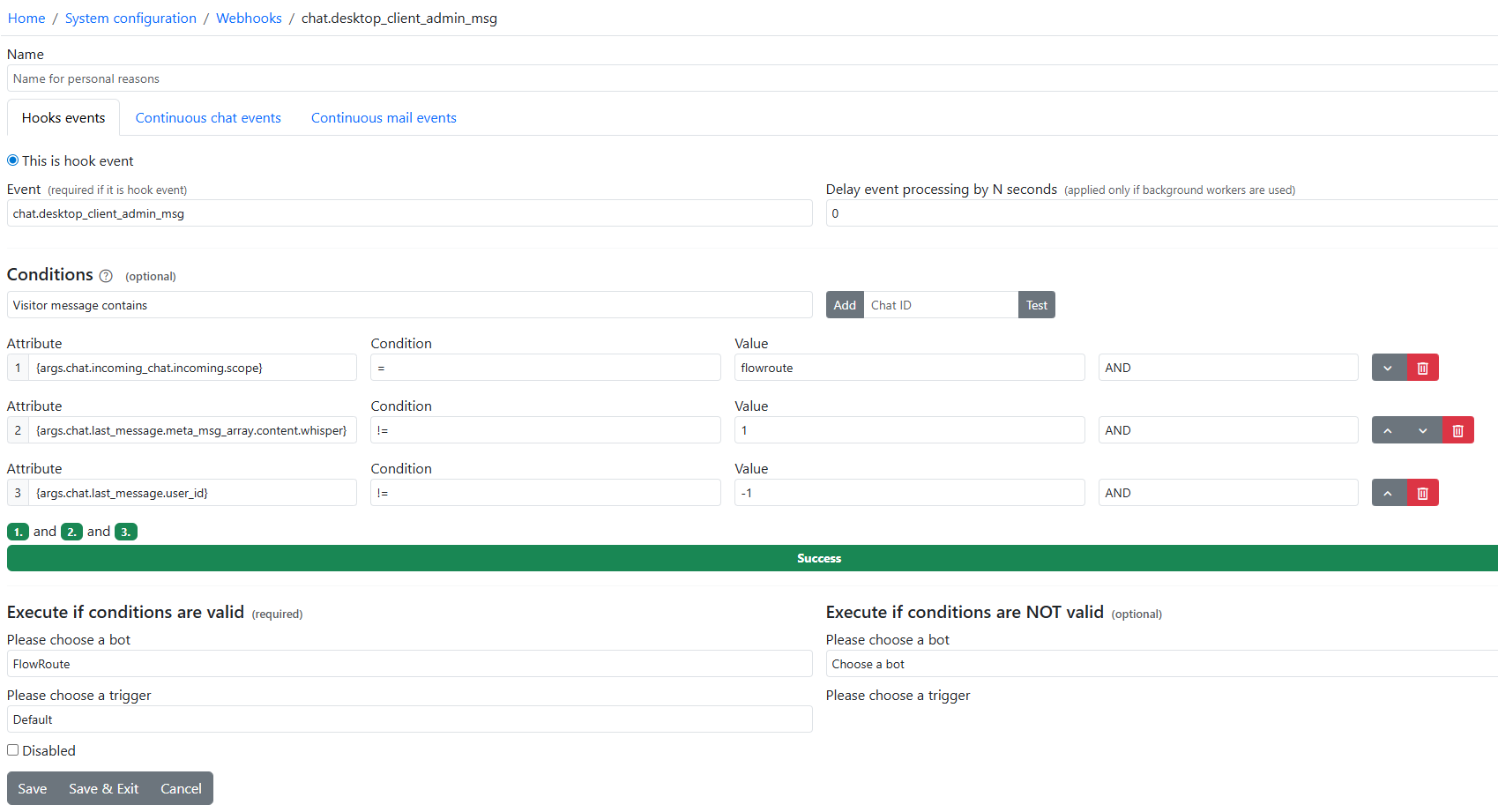
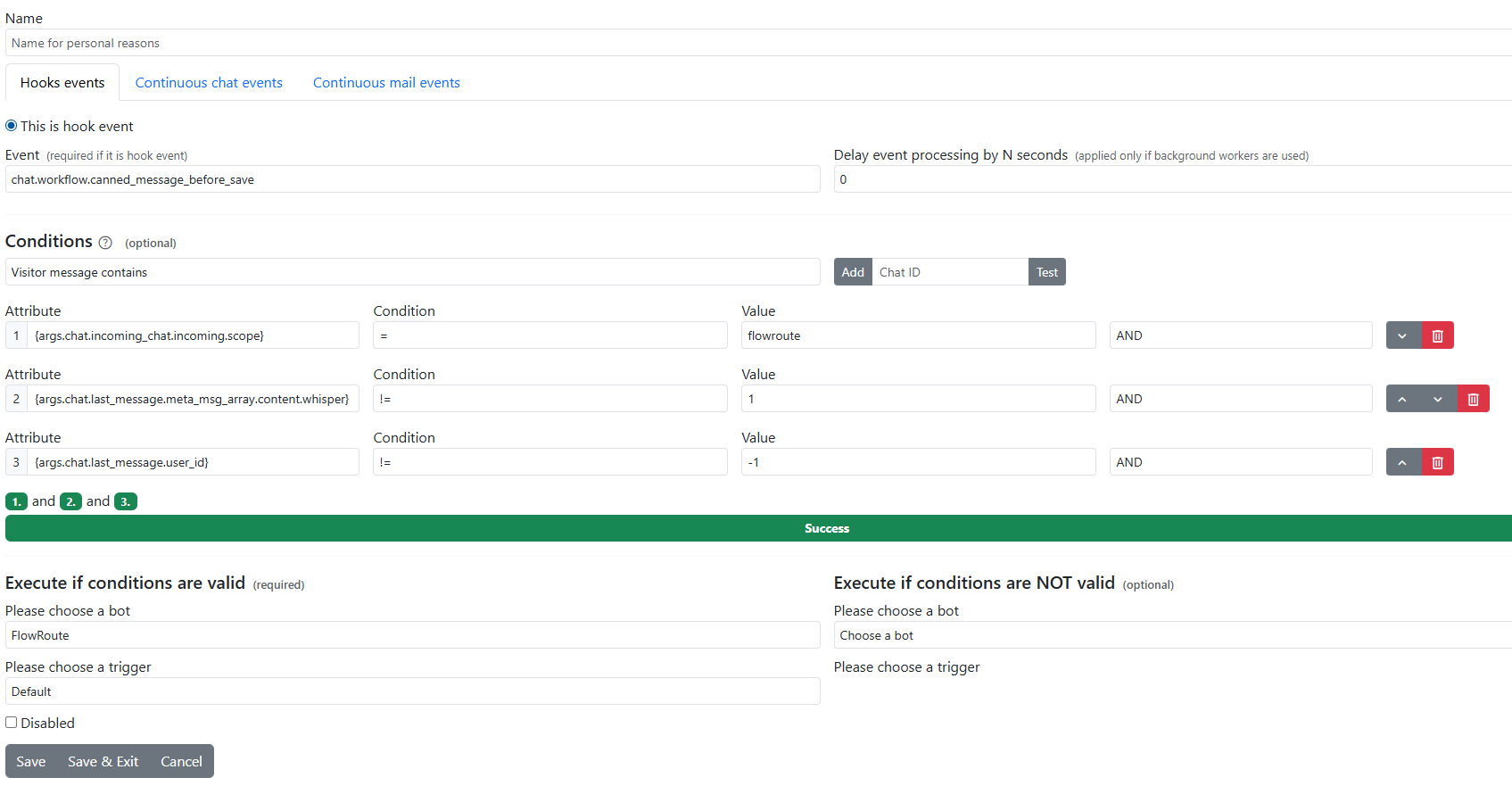
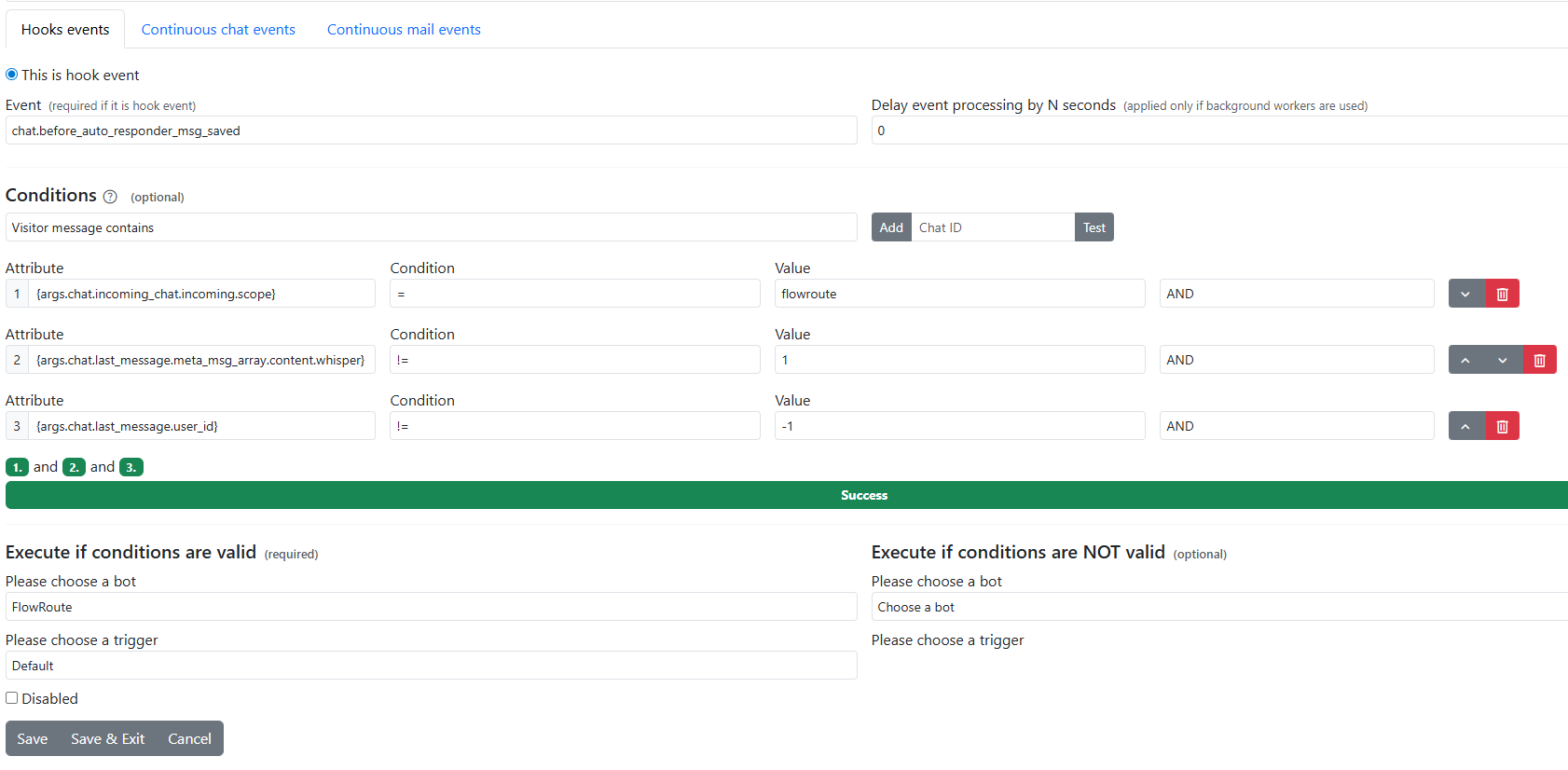
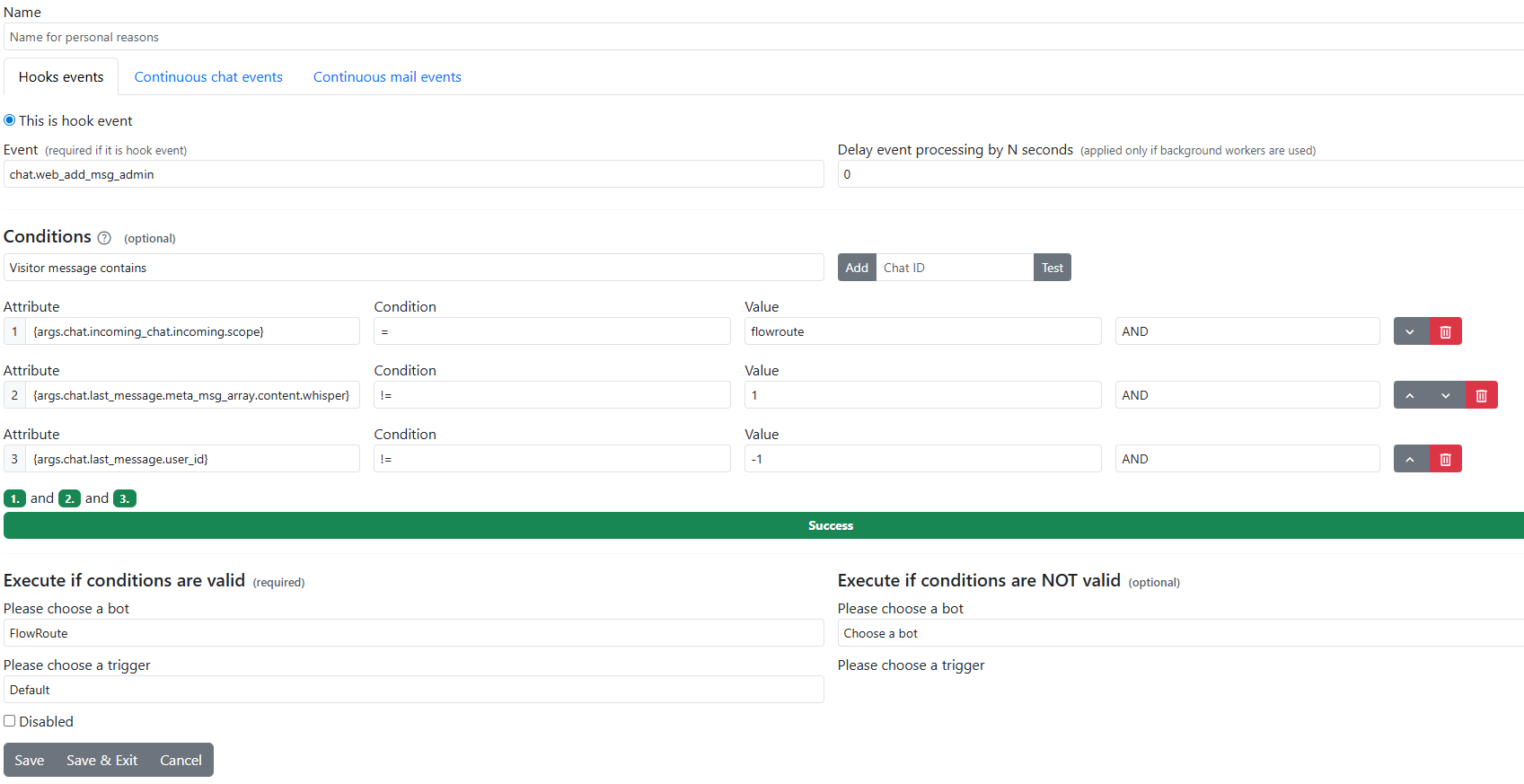
Create webhooks configuration