Audit
Introduction
The audit log displays all recorded events. If you are a developer and logging records, they will be visible here.
"System configuration" => "Audit log"

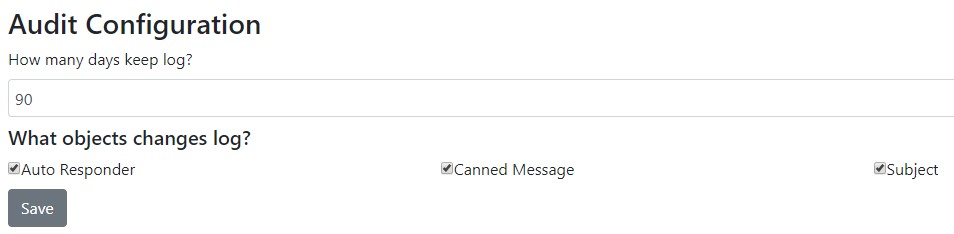
Audit Configuration
The audit configuration allows you to choose which basic object changes should be logged.
tip
To delete older records, you must run the workflow cronjob.
How to Search for Specific Object Modifications/Deletions
You can search for object modifications by filtering by category:
CannedMsg- Canned message modificationCannedMsgDelete- Canned message delete eventAutoResponder- Auto Responder modify eventAutoResponderDelete- Auto Responder delete eventSubject- Subject modify eventSubjectDelete- Subject delete event
If you provide an Object ID in your search, you can see exactly which object was modified.
How to Log Custom Events from Extensions
If you are developing an extension, you can log events like this:
erLhcoreClassLog::write(print_r(array('just some data to log'),true),
    ezcLog::SUCCESS_AUDIT,
    array(
        'source' => 'Bot',
        'category' => 'invalid_username',
        'line' => __LINE__,
        'file' => __FILE__,
        'object_id' => $chat->id
    )
);
Permissions
Required permissions to view the audit log:
'lhsystem','auditlog'
Required permissions to configure the audit log:
'lhaudit','use'